This article describes how to use observability data to monitor workflow run and schedule execution.
Audits
All NerdGraph mutation calls produce audit records that you can query in NrAuditEvent in the customer account.
WorkflowRun
SELECT actionIdentifier, actorId, actorType, descriptionFROM NrAuditEvent WHERE targetType = 'workflow_run'SINCE 1 hour agoWorkflowSchedule
SELECT actionIdentifier, actorId, actorType, descriptionFROM NrAuditEvent WHERE targetType = 'workflow_schedule'SINCE 1 hour agoEvents
All workflow runs emit WorkflowAutomationEvent data in NRDB in the customer account that started or scheduled the workflow.
Workflow runs store event data in the WorkflowAutomation namespace.
WorkflowAutomationEvent schema
The following table describes the attributes in each WorkflowAutomationEvent event.
Attribute | Type | Description |
|---|---|---|
| EpochMillisecond | Event timestamp |
| WORKFLOW | STEP | Type of event |
| STARTED | COMPLETED | FAILED | TIMED_OUT | STOPPED | Status associated with the event |
| String | Workflow definition name associated with this workflow run |
| String | Workflow definition version associated with this workflow run |
| GLOBAL | ORGANIZATION | ACCOUNT | Workflow definition scope type associated with this workflow run |
| String | Workflow definition scope ID associated with this workflow run |
| String | Workflow definition entityGuid associated with this workflow run |
| Int | New Relic's user ID that started the workflow |
| UUID | Unique ID of the workflow run |
| EpochMillisecond | Duration for COMPLETED, FAILED, or TIMED_OUT events |
| String | Customer-given step name in the workflow |
| ACTION | LOOP | SWITCH | STATE | Type of step that generated this event |
| String | Fully qualified name of the action |
| Int | Version of the action |
The stepType attribute has the following values:
ACTION: Executes an action from the catalogLOOP: Iterates over a collectionSWITCH: Evaluates conditionsSTATE: Stores key/value pairs in the workflow's shared state
Example query
The following query returns all events for a specific workflow run:
SELECT *FROM WorkflowAutomationEventwhere definitionName = 'json-parsing' and runId = '31c973d2-c669-4bd7-9b15-7e3a70a4a074'SINCE 1 month ago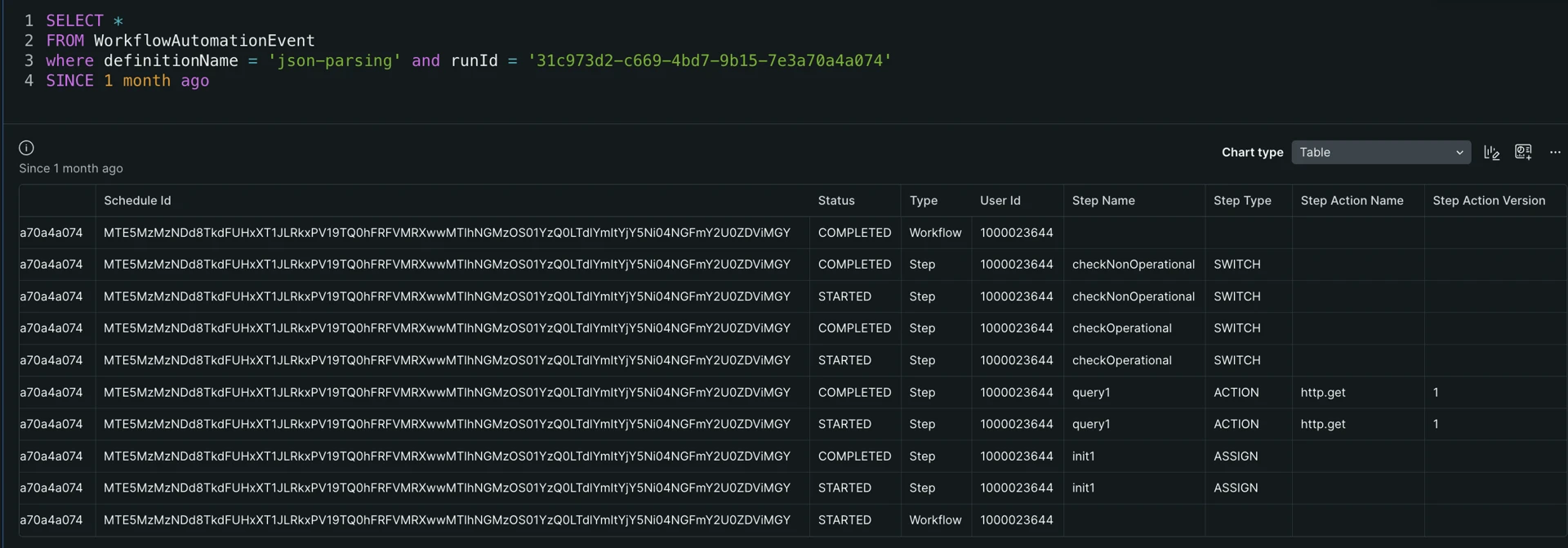
Logs
Optionally, you can start or schedule a workflow with a logLevel verbosity option. Logs go to the account that started or scheduled the workflow.
Logs include the following attributes:
workflowAutomation.nameis the WorkflowDefinition nameworkflowAutomation.versionis the WorkflowDefinition versionworkflowAutomation.runIdis the Workflow runIdentityGuidis the WorkflowDefinition id
If a schedule occurrence started the workflow, the log entries also include workflowAutomation.scheduleId.
For Action step type, when using DEBUG, each action input adds an additional attribute to the log entry with the format workflowAutomation.inputs.<inputName>: <inputValue>.
For Action step type, when using TRACE, each action output adds an additional attribute to the log entry with the format workflowAutomation.outputs.<outputName>: <outputValue>.
Example NRQL query
You can query your log with the following NRQL query:
SELECT message FROM Log WHERE workflowAutomation.runId = '{run_id}' SINCE 3 hours ago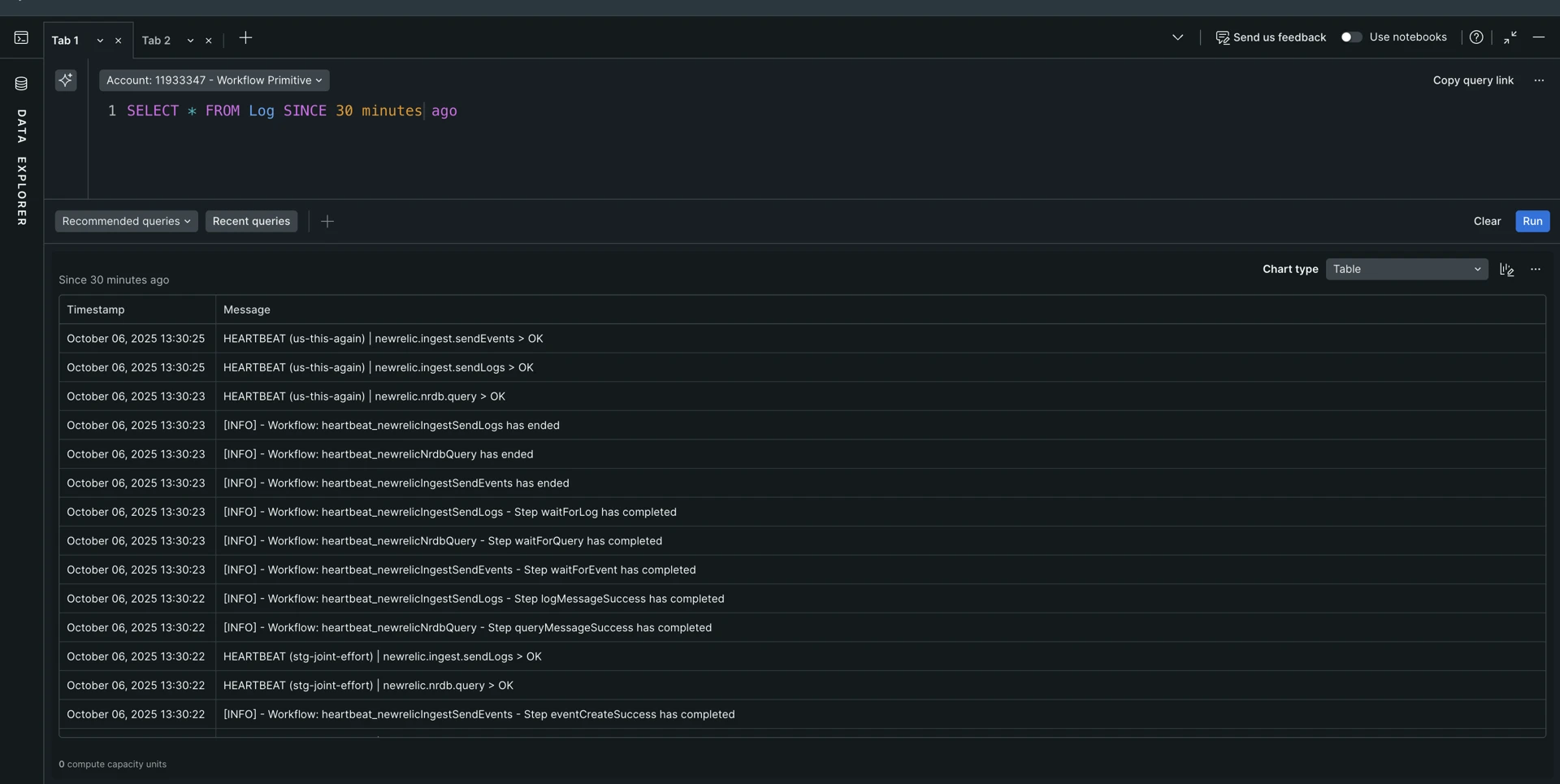
Besides workflowAutomation.runId, some other log attributes that can help with Log data querying are:
workflowAutomation.nameworkflowAutomation.version
For scheduled runs, the log entries also include the workflowAutomation.scheduleId attribute.